
Translation software for novelists
Draft. Compare.
Accept.
A calm, focused workflow for literary translation.
Wer Ywet Studio helps novel translators work with glossary, memory, side-by-side review, and quality checks built in.
- Local-first
- Private by design
- Built for long works
A workflow that keeps you in flow
Import
Open a project and import chapters in your source language.
Draft
Translate or write with the help of glossary, memory, and guides.
Review
Compare side by side, check matches, and run quality checks.
Accept
Accept the best line for your manuscript and keep moving.
Everything you need for serious literary translation
Glossary & Guides
Build rich glossaries and style guides. Keep names, terms, and tone consistent across every chapter.
Compare & Accept
Side-by-side review with one-click accept. Track changes and review history.
Project Assistant
AI-assisted suggestions that respect your style, world, and choices.
Quality Checks
Catch issues early with checks for style, terms, numbers, punctuation, and more.
Local-first Files
Projects live on your device. Work offline, sync when you choose.
Designed for deep work
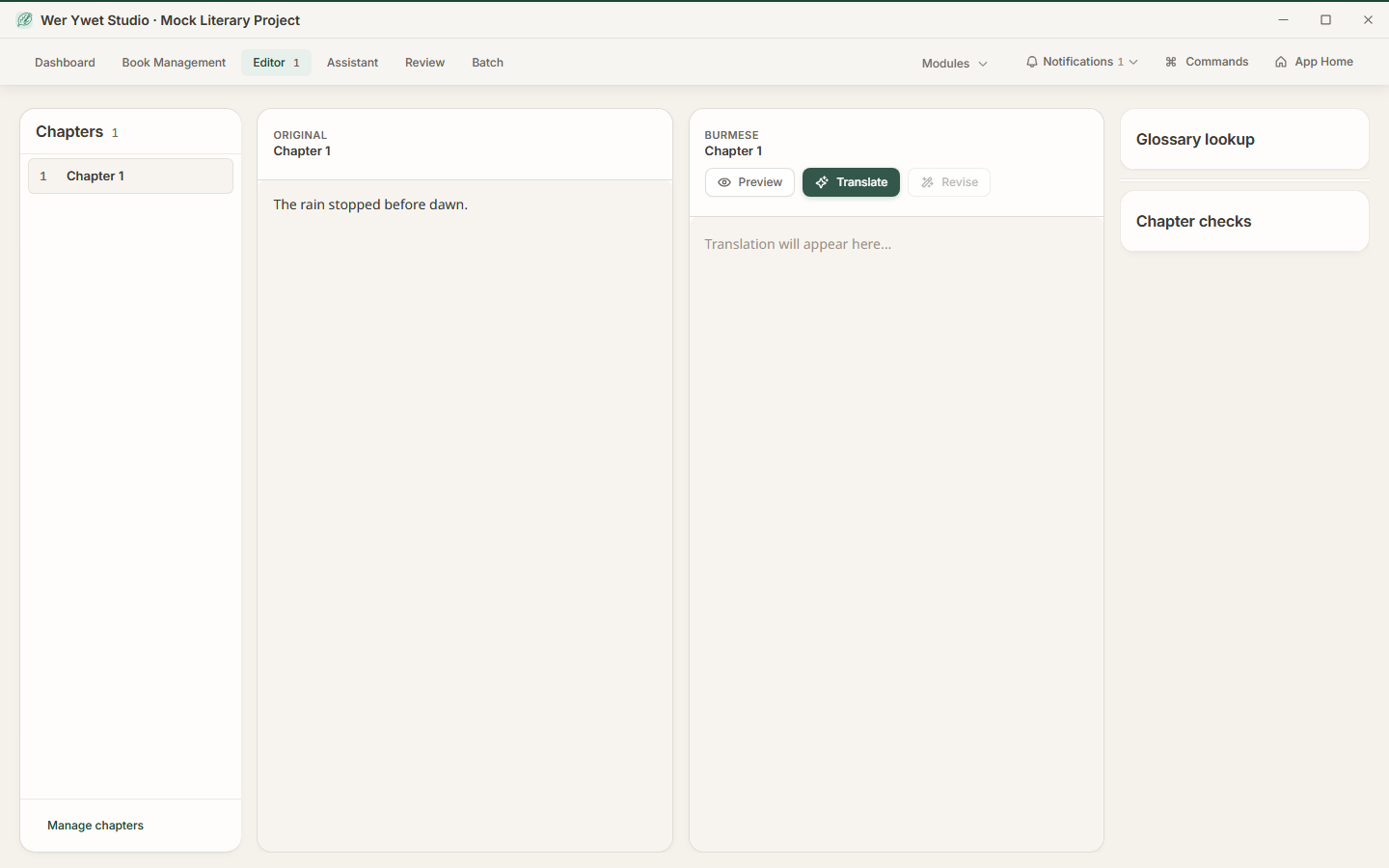
Side-by-side compare that feels effortless.
- Aligned source and draft
- Memory matches in context
- Terminology highlights
- Inline notes and comments
- Accept with a keystroke
Language pairs
Literary translation pairs
Six pairs ready for daily use. Four more in experimental preview.
မြန်မာ
EnglishMyanmar
ไทย
EnglishThai
Deutsch
EnglishGerman
Deutsch
GermanEnglish
မြန်မာ
GermanMyanmar
Deutsch
MyanmarGerman
မြန်မာ
MyanmarEnglish
ไทย
MyanmarThai
ไทย
ThaiEnglish
မြန်မာ
ThaiMyanmar
FAQs
Common questions
Straight answers about the Windows beta, your manuscript, and how Wer Ywet Studio works.
Is this like ChatGPT?
Does AI update my manuscript automatically?
Is my manuscript cloud-hosted by default?
Which language pairs are in beta?
How does Wer Ywet Studio use world and style context?
Can I translate light novels from English to Burmese locally?
Windows beta release
Install the Windows beta and keep your project on your PC.
- Local-first
- Offline capable
- Private by design
- Frequent updates